TEST 016
5 free Claude Code skills for making content
Short answer
Five free add-ons give Claude Code the steps of a content workflow: watch for research, avoid-ai-writing for scripts, impeccable for design, HyperFrames for video and embedded-captions for captions. All five are free to install; Claude Code access and, for video and captions, Node.js and FFmpeg still apply.
Claude Code can't watch a video or export one on its own. These five free skills fix that, in the order a reel gets made. A skill is an add-on: install it once and Claude gains a new ability.
To install any of them, paste the install line into Claude Code, or tell Claude "Install the skill from" and the link.
1. Research: watch
Claude pulls frames from every scene plus a transcript, so you can ask how a video was built, what the hook was, or what was said at 0:42.
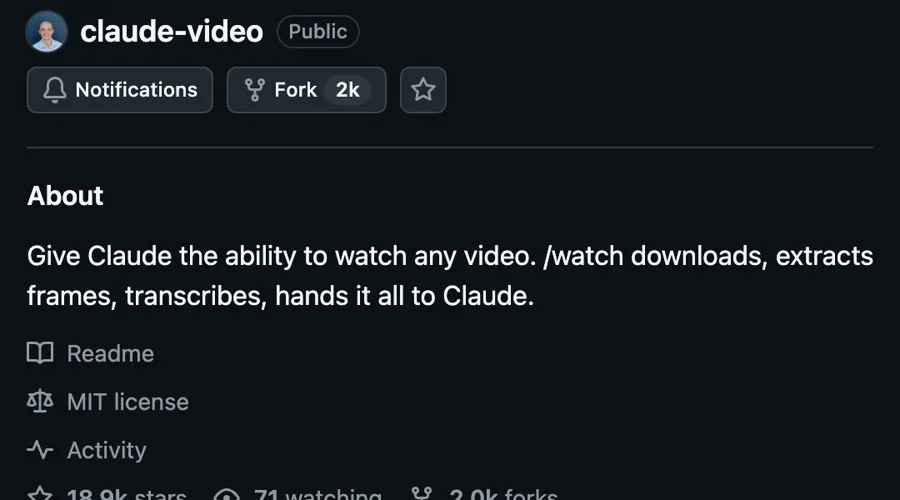
/plugin marketplace add bradautomates/claude-video
/plugin install watch@claude-video/watch <reel link> break down the hook, the structure and the on-screen textThe catch: it needs ffmpeg and yt-dlp, and the transcript comes from the video's own captions. With no captions you need a Whisper key, or you get frames only. Private videos won't download.
2. Script: avoid-ai-writing
It finds the words and patterns that make writing sound like AI, such as "delve" and "game-changer", scores your text and rewrites the lines it flags.
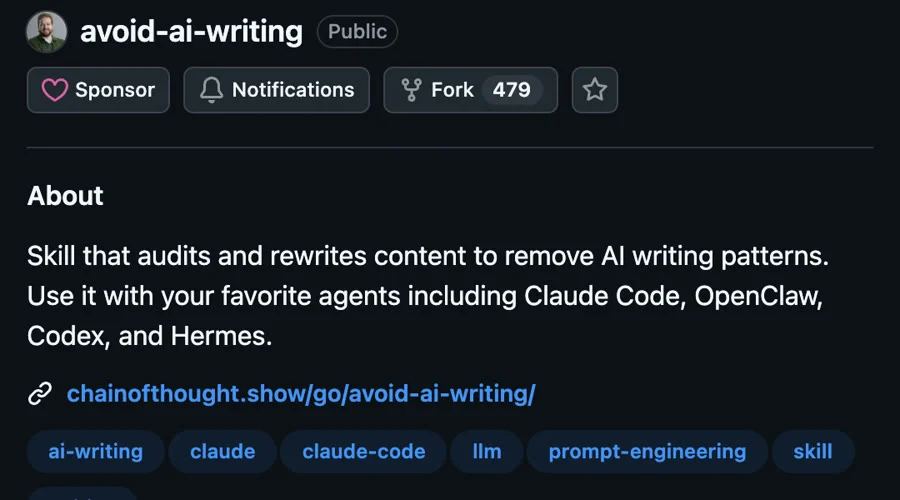
Install the skill from github.com/conorbronsdon/avoid-ai-writingRun avoid-ai-writing on this caption and fix everything it flags: <your caption>The catch: it catches patterns, not weak ideas. A clean score doesn't make a line good, so read it out loud before you post.
3. Design: impeccable
It gives Claude 24 design commands, like critique, audit and polish. Claude reviews a layout the way a designer would, then fixes spacing, type and colour.
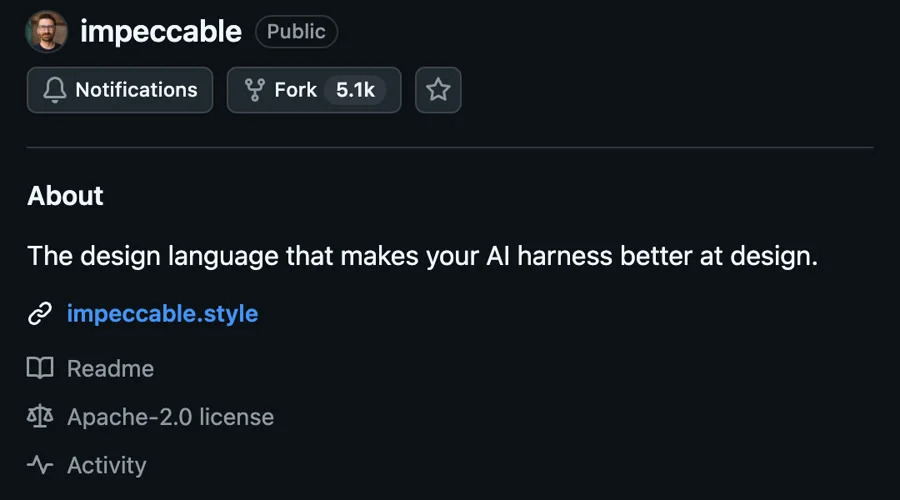
/plugin marketplace add pbakaus/impeccable/impeccable critique this design, then polish the three biggest problemsThe catch: it is built for web and app design. It works on anything made in code, but not on footage from your phone.
4. Video: HyperFrames
Claude designs the animation in code, and HyperFrames turns it into a real MP4 you can post. One prompt made a 15-second vertical ad in about ten minutes.
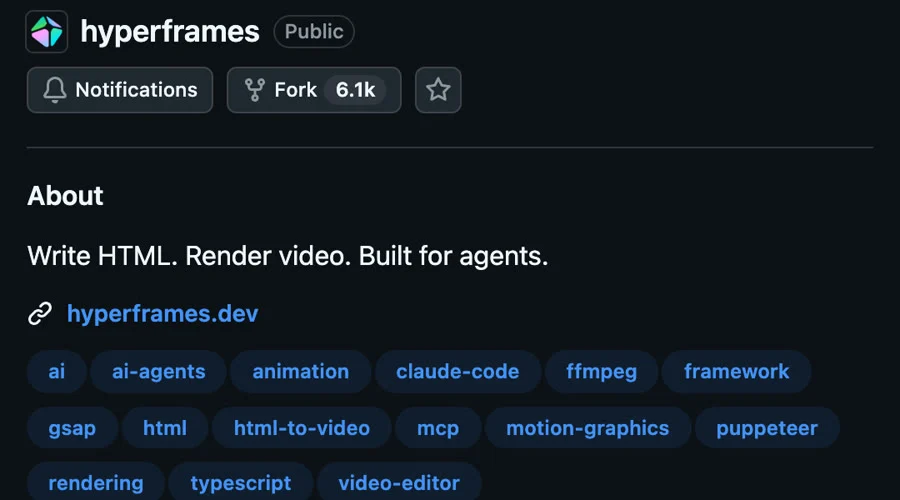
npx skills add heygen-com/hyperframesMake me a 15-second 9:16 promo for <your thing>. It should feel <warm, bold or techy>. Build it with HyperFrames, render the MP4 and check the frames before you finish.The catch: the MP4 needs Claude Code plus Node.js 22 or newer and FFmpeg on your computer. The Claude app alone can design it but can't export the video.
5. Captions: embedded-captions
It captions a video of you talking to camera, in 35 styles, without editing the footage. One style puts the big words behind you, like a movie title. It runs on your own computer, transcription included.
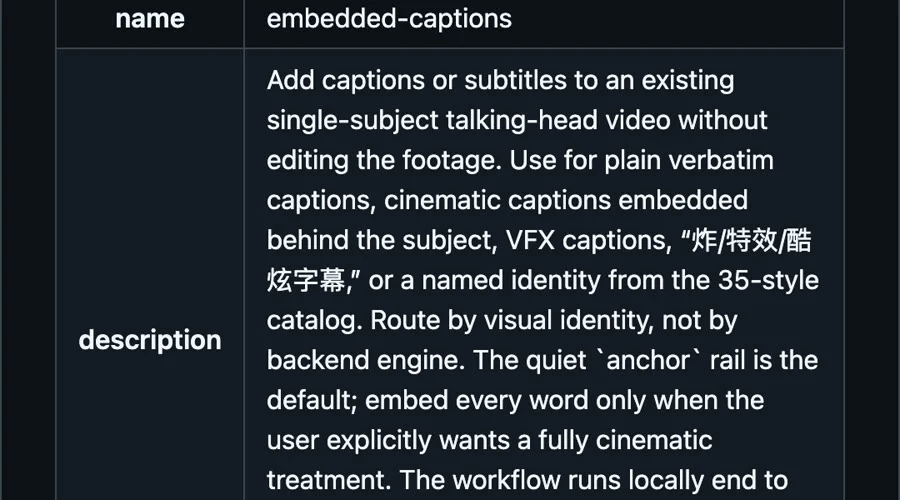
It comes with HyperFrames, so the same install line adds it.
Add anchor-style captions to talking.mp4Put the key line behind me, cinematic styleThe catch: it is made for one person talking to camera. If your video has several shots, split it into clips first.
Things to take note of
- Install one at a time and try each on something you already have, like an old caption or a clip you posted.
- watch, avoid-ai-writing and HyperFrames are the three I use myself. impeccable and embedded-captions are described from their documentation.
- For video and captions, install Node.js and FFmpeg first. Both skills need them.
- Each skill belongs to its creator. The links go to their own pages.
- Check the repository page before you install: each one lists its licence and recent changes.
Read
Questions
What is a skill?
An add-on for Claude Code. You install it once, and Claude gains a new ability, like watching a video or exporting an MP4.
Are they really free?
All five are free to install. They run inside Claude Code, and the video and caption skills also need Node.js and FFmpeg on your computer.
Which one should I add first?
Start with the one that fixes your slowest step. If you write a lot, avoid-ai-writing takes one line to install and works on any caption.